
TalkSteps: Speech Delay AAC
Tap pictures or type. TalkSteps talks.
TalkSteps is an AAC app (augmentative and alternative communication) for Android. A person taps pictures or types, and TalkSteps speaks it aloud. It works offline, needs no account and has no ads.
Android app · coming to Google Play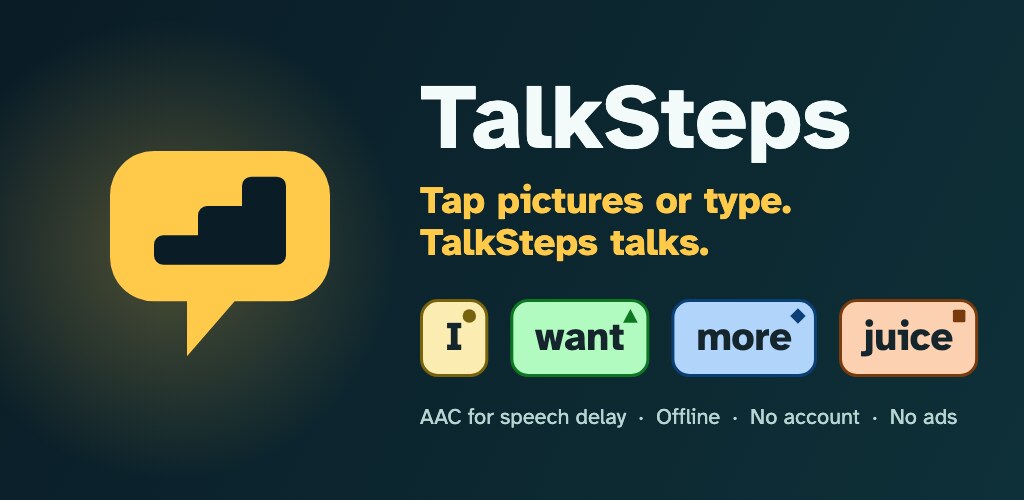
Who it is for
Children and adults who communicate with symbols, with a keyboard or with both: toddlers with a speech delay, nonverbal and autistic people, people with apraxia, Down syndrome or cerebral palsy, and adults who have lost speech after a stroke or with ALS. Parents, teachers, speech-language pathologists and carers set it up and model language on it. Nothing in it is babyish by default, so it grows with the person. TalkSteps is a communication tool and gives no medical advice.
How it works
- Tap a picture, hear a wordOne tap speaks. Pick several words, then tap the message to say it all. A big Stop button cuts the speech at once.
- Words never moveThree levels grow the vocabulary from about a dozen core words to the full set. A word keeps its place when the level goes up, so what a person has learned by touch keeps working.
- Type and talkA keyboard with word prediction that runs on the device, pinned phrases for one-tap talking, and a history of what was said.
- Your photos, your voiceChange any button: edit the label, pick another symbol, add your own photo or record a voice. Add your own buttons and boards.
- Built for every handHold time, activate on release and a repeat guard stop accidental taps. Switch scanning, auditory scanning and keyboard keys are free for everyone.
- Everyday toolsWord Finder, partner view that flips the message for the person across the table, a visual schedule, a visual timer, a choice maker and an About Me page.
Free and Pro
Free, for good
- Speaking, the keyboard, word prediction, Stop and partner view
- A starter vocabulary, with edits, photos and recordings on any button
- Every access method, including switch scanning
- One profile, one visual schedule, the timer and About Me
- No ads, no account, offline
TalkSteps Pro, optional
- The full vocabulary of more than 5,000 words
- Up to 10 profiles; unlimited buttons, boards, phrases and goals
- Scheduled backups; Open Board Format import and export
- Usage reports and printable boards
- Monthly, yearly with a 30-day free trial, or once for life
If Pro ends, everything already on the device keeps talking. The voice is never locked.
Private by design
What is typed, spoken or saved stays on the device. Crash reports can be switched off, usage counts are off unless a grown-up turns them on, and there is no advertising ID. Read the privacy policy.
Questions
What is TalkSteps?
TalkSteps is an Android AAC (augmentative and alternative communication) app. A person taps pictures or types, and TalkSteps speaks it aloud. It is made for children and adults who can't rely on their natural speech, for example people with a speech delay, nonverbal and autistic people, and adults who have lost speech after a stroke or with ALS.
Is TalkSteps free?
Speaking, the keyboard, word prediction, the Stop button, partner view, every access method (including switch scanning) and a starter vocabulary are free for good, with no ads. TalkSteps Pro is optional and adds the full vocabulary of more than 5,000 words, more profiles, unlimited buttons, boards, phrases and goals, scheduled backups, Open Board Format import and export, usage reports and printable boards. Pro is US$5.99 a month, US$49.99 a year with a 30-day free trial, or US$149.99 once; Google Play shows the price in your own currency.
What happens if Pro ends?
Everything already on the device keeps talking: every word, phrase and board stays speakable, offline, without an account. Only changing Pro-only things, adding profiles beyond the first, scheduled backups and reports pause. Nothing is deleted. The voice is never locked.
Does TalkSteps need the internet or an account?
No. It works offline and has no account or sign-in. The internet is used only for Google's Firebase services (crash reports, which can be switched off; a few display settings; and usage counts, only if a grown-up turns them on) and for Google Play purchases.
Is TalkSteps private?
What is typed, spoken or saved stays on the device and is never sent to us. There are no ads and no advertising ID. The privacy policy lists exactly what is sent and how to switch it off.
Is TalkSteps for children or adults?
Both. It never asks for an age, so everyone gets the child-safe version: no ads, nothing personalised, and a grown-up check before purchases, editing, settings and outside links. Nothing in it is babyish by default, so it grows with the person.
Can TalkSteps be used with a switch?
Yes. Switch scanning with one or two switches (step or automatic; row-column, column-row or linear), auditory scanning, hold time, activate on release and a repeat guard are all free, and keyboard keys work too.
Which language does TalkSteps use?
English for now: the app, its vocabulary and its voices are in English. The Google Play description is also written in English (India) and Spanish (Latin America). Other languages are planned for later, with no date yet.
Which devices and countries?
Android phones and tablets running Android 7.0 or newer. There is no iPhone or iPad version yet. At launch it is offered in the United States, Canada, India, Australia, New Zealand, Singapore and other countries outside the EU, the UK, Switzerland and Turkey.
Picture symbols: Mulberry Symbols and OpenMoji, shared under CC BY-SA. Typeface: Atkinson Hyperlegible.